How Business Leaders Decide Between In-House AI and White Label Solutions
The rise of accessible artificial intelligence has handed businesses an exciting but genuinely complex strategic decision: do you invest the time, talent, and capital to build AI capabilities from the ground up, or do you move faster and smarter by adopting a white label solution that someone else has already engineered? For many organisations, this is not a simple either-or answer- it is a decision that can define the direction of an entire company for years to come.
Get it right, and you either own a powerful competitive differentiator built precisely to your needs, or you launch quickly with a proven tool that frees your team to focus on what they do best. Get it wrong, and you are either locked into a costly, resource-draining development cycle that delays your growth, or trapped inside a rigid third-party platform that cannot scale with your ambitions.
The stakes are high, and the right answer looks different depending on your industry, your team, your budget, and the strategic role you want AI to play in your business. That is why we went directly to the people making these decisions in the real world. We reached out to founders, executives, and technology leaders across industries and asked them one question:
"How do you decide between building in-house AI capabilities and using white label solutions? What is one factor that guides this decision?"
What came back was a rich collection of frameworks, hard-earned lessons, and practical rules of thumb from professionals who have wrestled with this exact challenge firsthand. From evaluating core competency and data privacy requirements, to weighing speed-to-market against long-term scalability, the decision-making factors they shared are as diverse as the businesses they lead.
Whether you are a startup founder facing this crossroads for the first time or a seasoned operator revisiting your AI strategy, the perspectives ahead cut through the noise and offer grounded, real-world guidance. Here is what the experts had to say.
24 Factors for Deciding Between In-House AI and White-Label Solutions
Choosing between building AI capabilities internally or adopting white-label solutions requires careful evaluation of dozens of interconnected factors. This article presents 24 decision-making criteria developed with insights from industry experts who have implemented both approaches at scale. Each factor addresses a specific dimension of cost, control, capability, and risk that shapes whether custom development or ready-made solutions better serve business objectives.
Ensure Auditable Outputs for Compliance
Control Conversion-Critical Decision Points
Select Custom for Differentiation
Capture the Feedback Loop
Enable Cross-Functional Line of Sight
Align Ambition with Sustained Resources
Protect Uptime for High Stakes
Safeguard Core Trust and Accountability
Choose Tailored Creative Direction
Account for Maintenance Velocity
Require Clear Ontology and Criteria
Demand Interoperability with Global Standards
Match Approach to Urgency
Prioritize E-E-A-T over Efficiency
Follow Information Readiness First
Rely on Internal Expertise
Embed Local Judgment Where Needed
Balance Custody with Brand Flexibility
Insist on Clinical Visual Assurance
Pursue Granular Signals for Advantage
Compare True Lifetime Cost
Weigh Scale Against Speed
Default to Simple Unless Complexity Warrants
Prefer Predictable Spend over Surprises
Ensure Auditable Outputs for Compliance
I've been on both sides of this- building in-house AI at Valkit.ai from the ground up, and integrating third-party AI components where it made sense. That dual perspective shapes how I think about this decision.
The one factor I'd put above everything else: regulatory accountability. In life sciences, if an AI component generates a validation document or risk score, someone has to own that output in front of an FDA inspector. With white-label, that accountability chain gets murky fast. At Valkit.ai, we made the deliberate call to build and operate our own private enterprise LLMs specifically because we needed to guarantee that customer data never trains a shared model- that's not a preference, it's a compliance requirement.
The moment we tried leaning on a third-party LLM, the first question from prospects was always: "Is my formulation data staying inside your walls?" A white-label answer to that question costs you deals in regulated industries.
That said, build-vs-buy isn't binary. We still run on AWS infrastructure across 19 global regions- we didn't build our own data centers. The rule I use: build in-house where the AI output is auditable and attributable, buy externally where it's infrastructure and undifferentiated. That line keeps you both compliant and lean.
Stephen Ferrell, Chief Product Officer, Valkit.ai
Control Conversion-Critical Decision Points
I'm Tony Crisp (Founder/Chief Strategist at CRISPx). I've helped tech brands from Nvidia to HTC Vive to Robosen ship products and the digital experiences around them, and the build-vs-buy decision shows up constantly when you're trying to launch fast without wrecking the customer experience.
My one guiding factor: does this AI touch your "conversion-critical" path in a way that must be uniquely yours? If it sits on the path that creates demand or captures leads (homepage key pages CTA form/checkout), I bias toward building or at least custom-building the layer that shapes behavior and measurement.
Example: when we redesigned Channel Bakers' site, we didn't just "install tools"we built persona-based user paths (Large Companies / Small Businesses / Startups / Investors), then wireframed and user-tested to remove navigation bottlenecks and drive conversions. Any AI (chat, personalization, routing) that decides where those personas go or what CTA they see should be in-house or tightly controlled, because it directly changes lead quality and attribution.
If the AI is behind-the-scenes (summarizing call notes, drafting internal briefs, tagging assets in a brand resource center), I'll happily white-label and move on. The marketing win isn't "having AI," it's owning the decision points that move a user from interest to action and being able to instrument, test, and iterate those decision points without vendor constraints.
Tony Crisp, CEO & Co-Founder, CRISPx
Select Custom for Differentiation
The single biggest factor that guides our build-vs-buy decision at Software House is whether AI is a core differentiator or a supporting feature for the product. If AI capabilities are central to what makes the product unique and competitive, we always build in-house. You can't differentiate with the same white-label solution your competitors are using. But if AI is just enabling a feature that isn't the main value proposition, white-label makes much more sense.
For example, we had a client who wanted AI-powered chatbot support for their SaaS platform. Customer support wasn't their differentiator, their core product was. We recommended a white-label voice AI solution that got them to market in weeks instead of months.
On the flip side, when we built an AI-driven code review tool for our internal workflow, we developed it in-house because the quality of that AI directly impacted our service quality and competitive edge. The math is straightforward too. Building in-house AI typically costs 5-10x more upfront than white-labeling, but gives you full control over the model, data privacy, and customization. If your AI needs will evolve rapidly and require constant fine-tuning, the long-term cost of white-label licensing can actually exceed building your own.
Shehar Yar, CEO, Software House
Capture the Feedback Loop
Most CTOs treat the "build vs. buy" decision in AI as a procurement exercise, weighing API costs against engineering salaries. This is a fundamental architectural error. You cannot evaluate Large Language Models (LLMs) as static utilities; they are dynamic systems that metabolize data to increase in value. The decision is not about cost; it is about data sovereignty and the ownership of the feedback loop.
If you rely entirely on a white-label solution, you are essentially renting intelligence. Every time your user corrects an output or provides domain-specific context, that signal travels back to the vendor, not your repository. You are paying a third party to let your customers train their model. If that model eventually becomes good enough to serve your customers directly, you have engineered your own obsolescence. When the core value proposition of your SaaS is the intelligence derived from unique user behavior, outsourcing the model means leaking your competitive advantage.
The architectural rule of thumb is simple: Is the data generic or proprietary? If you are summarizing public news, use an API. However, if the value comes from unique user interactions, proprietary workflows or niche reasoning, you must own the model weights. In my practice, we architect systems where the application layer captures user corrections to fine-tune open-source models hosted within our own VPC. This ensures that as the product scales, the intelligence accrues to the company's balance sheet, not the vendor's.
Mohammad Haqqani, Founder, Seekario AI Job Search
Enable Cross-Functional Line of Sight
With 20 years on the shop floor as an operations manager and plant scheduler, I've seen how disconnected "homegrown" systems create more headaches than they solve. I now lead operational strategy at Lean Technologies, helping manufacturers replace manual chaos with integrated digital tools.
The one factor guiding this decision is Cross-Functional Visibility. If an in-house build results in data silos where your safety and quality teams can't talk to maintenance, you are better off using a platform like Thrive that integrates these modules from day one.
Take our partners at ASSA ABLOY; they moved from sticky notes and manual tracking to seeing everything on one screen using Thrive. By choosing a pre-built manufacturing toolbox, one client boosted line efficiency by 40% in just three months a result rarely possible with slow, internal development cycles.
Focus on tools that empower operators to own their outcomes immediately rather than waiting for IT to fix a custom process. If you can't get an operator logged in and tracking data within days, the custom build is likely costing you more in waste than it's worth.
Jamie Gyloai, Vice President, Lean Technologies,
Align Ambition with Sustained Resources
I decide primarily based on available resources and long-term sustainability. When I weighed building a custom SEO automation tool against using Surfer SEO and ClickUp, the custom option was flexible but would have used too many resources. Choosing the integrations gave us the speed and scalability we needed. That taught me to align technology choices with our long-term goals, so resource commitment is the guiding factor: if we can sustain the build without harming core priorities, we build; otherwise we partner with existing platforms.
Callum Gracie, Founder, Otto Media
Protect Uptime for High Stakes
We focus on operational risk during peak cycles, especially when major reports are launched and traffic spikes. During these times, professionals are looking for timely insights. If downtime or latency could harm the user experience, we prefer using in-house capabilities. This gives us control over performance tuning and instant incident response, which justifies the investment.
For lower-risk workflows, where brief disruptions would not affect our audience, we consider using white-label tools. We still monitor vendor uptime and check their support response times. Our decision is always based on the potential impact. If failure would be visible to readers or partners, we manage the stack ourselves and if not, we can outsource it.
Christopher Pappas, Founder, eLearning Industry Inc
Safeguard Core Trust and Accountability
The decision comes down to control over data and accountability.
In regulated environments such as accountancy, the way data is structured, processed, and stored is critical. If the AI capability directly influences compliance, client records, or financial outputs, we are far more inclined to build in house. That ensures we control the data model, security standards, and auditability from end to end. In those cases, outsourcing the core intelligence layer can introduce risk and limit long term defensibility.
White label solutions can make sense when the capability is peripheral and not central to the integrity of the platform. They are useful for accelerating delivery where differentiation is not tied to proprietary data or workflow design.
The guiding factor is simple: if the capability affects trust, compliance, or the structural foundation of the product, ownership matters. If it supports efficiency without touching the core architecture, partnership can be more pragmatic.
Kenny MacAulay, CEO, Acting Office
Choose Tailored Creative Direction
I decide based on whether a capability must be tightly tailored to our creative voice and workflow or whether it is a repeatable task that benefits from speed. For routine tasks like seating charts, website copy, graphics, and social media work, I choose white-label tools because they save hours and let me focus on creative direction. If a capability requires deep customization to reflect our brand or unique processes, I consider building in-house. The single factor that guides this choice is the degree of required customization and creative control.
Shumaila Panhwar, Founder, SoCal Event Planners, LLC
Account for Maintenance Velocity
I used to think building in-house was always better because you control everything. I'm less sure now.
We use AI internally for matching founders with investors. And the one factor that keeps coming back is maintenance velocity. You can build something impressive in 2 weeks but AI models update constantly and your in-house version starts drifting almost immediately. If your core product isn't AI, the person maintaining it is probably already busy with something else.
White label absorbs that churn for you. You lose some customization but you gain back engineering hours that were quietly going into upkeep nobody budgeted for. We went white label for anything not directly tied to our matching logic. The stuff that differentiates us, we built. Everything else felt like maintaining a second product nobody asked for.
I don't know if that ratio holds as the tools mature. Probably not.
Sahil Agrawal, Founder, Head of Marketing, Qubit Capital
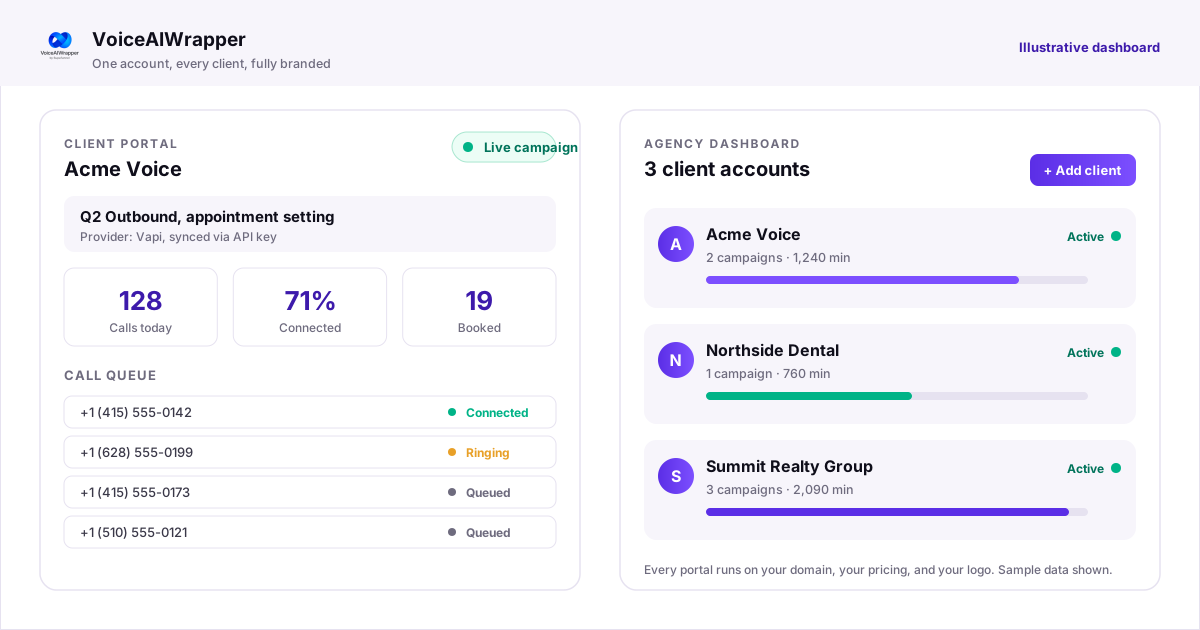
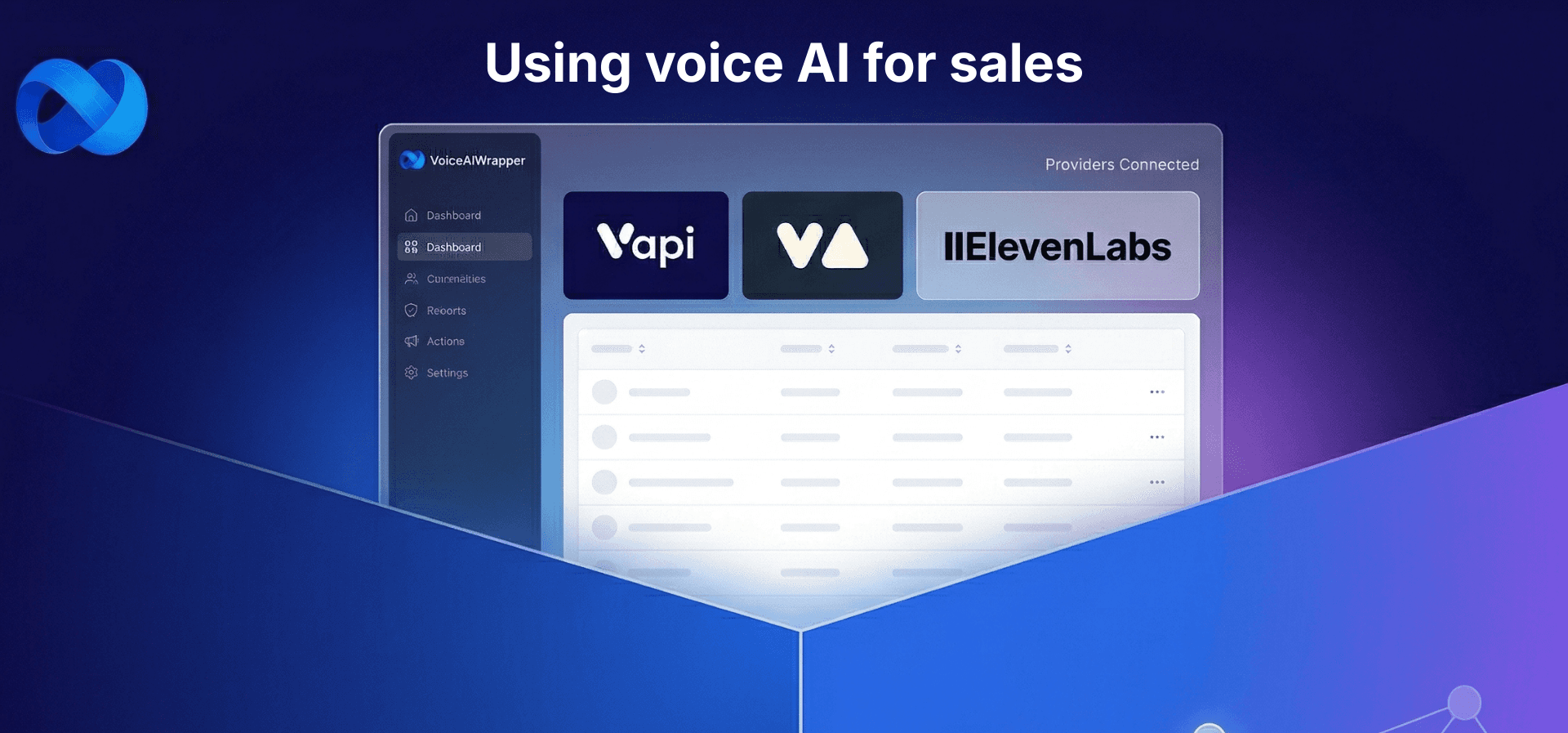
See How VoiceAIWrapper Connects AI Voice Providers in One Platform
Require Clear Ontology and Criteria
I base the decision primarily on how well defined our labeling ontology and acceptance criteria are. When labels, examples of what 'good' looks like, and edge cases are clear, a white-label solution can be integrated with far less rework. If labels are ambiguous or constraints like privacy and allowed tools are strict, I lean toward building in-house to retain control and avoid repeated iterations. In my experience, most rework comes from ambiguity rather than effort, so clarity up front is the single strongest guide.
Arvind Sundararaman, Head of Technical GTM - AI ML
Demand Interoperability with Global Standards
With a PhD in Biomedicine and a background building the Nextflow workflow framework, I've spent 15 years engineering the federated AI platforms that now power global drug discovery. The choice between building in-house and using a solution like Lifebit often depends on whether your team can afford the long-term "maintenance debt" of managing complex data security and compliance.
The one factor that should guide this decision is interoperability with global data standards. Building in-house often creates data silos that cannot easily integrate with the diverse datasets needed to solve recruitment failures, which currently cause 86% of clinical trials to miss their targets.
Instead of a DIY build, I recommend an "open platform" approach using Lifebit's Trusted Data Lakehouse. This architecture enabled one cardiac trial to match 16 participants in a single hour- a process that had previously yielded only two matches over six months.
Maria Chatzou Dunford, CEO & Founder, Lifebit
Match Approach to Urgency
I decide between building in-house AI and using a white-label solution by starting with one factor: how quickly we need to deliver something reliable to customers. If the timeline is tight, a white-label option can help us ship sooner and learn what users actually value before we invest heavily in custom work. If we have the time to iterate and the feature is central to our product's identity, building in-house usually makes more sense. This also ties into what you see across the market, where larger organizations often move slower than startups, so speed and agility matter even more in the choice. In practice, I look at whether a white-label tool gets us to a solid baseline fast, while keeping room to evolve later. The goal is to match the approach to the urgency of the need, without overbuilding too early.
Adrian James, Product Manager, Featured
Prioritize E-E-A-T over Efficiency
Leading Foxxr Digital Marketing since 2008, I've optimized AI for home service contractors, generating millions in revenue through data-driven leads without vanity metrics.
We use white label AI for routine tasks like predictive analytics and ad automation, but rely on in-house team expertise for core strategy and content creation.
The one guiding factor is E-E-A-T compliance- AI excels at efficiency, but only human-first content with original insights builds authority in competitive fields like roofing, where 42% of marketers note AI lacks originality.
This hybrid drove an HVAC client's rankings for $1,000+ CPC keywords, tripling qualified appointments via AI personalization layered on our custom research.
Brian Childers, CEO, Foxxr Digital Marketing
Follow Information Readiness First
With 22 years leading Zen Agency, I've scaled AI for dozens of e-commerce clients, blending internal training with expert partnerships to boost ROI.
We opt for white-label cloud AI services like Azure Vision for rapid pilots, dodging $30K+ custom builds, then shift in-house via staff training once proven.
The key factor is data readiness- fragmented e-com data silos demand white-label simplicity first, as poor data kills 80% of projects; mature setups justify building for 26% revenue gains from visual recommendations.
This delivered a client 91% better personalization uptake in weeks, training their team on hands-on paths costing under 20% of tech budget.
Joseph Riviello, CEO & Founder, Zen Agency
Rely on Internal Expertise
As CEO of Talmatic, I decide between building in-house AI and using white-label solutions based on whether the work is core to our product and whether we have the required skills internally. For main projects that define our offering, I assemble in-house developers. For specialized tasks that require niche expertise, I rely on partners or white-label solutions. The single factor that guides this choice is internal capability in critical skills, namely solid data engineering, management of large language models, and the ability to integrate AI into existing workflows.
George Fironov, Co-Founder & CEO, Talmatic
Embed Local Judgment Where Needed
I decide based on whether the capability must embed our local customer knowledge and human judgment. If it must, we build in-house to control workflows and integrate our team; if not, a white-label solution is usually sufficient. In December I built a real AI workflow demo for a marketing task to show how a language model can research, draft, and refine copy while we add judgment and local customer insights. That requirement to preserve and surface local customer insight and ethical oversight is the single factor that guides my decision.
Darren Tredgold, General Manager, Independent Steel Company
Balance Custody with Brand Flexibility
Managing a 3,500-unit portfolio and a $2.9 million budget at FLATS®, I decide based on data ownership and brand flexibility. I prioritize white-label solutions for operational infrastructure while building in-house when the content directly dictates the brand's narrative and ROI.
I utilize Livly as a white-label platform to capture systematic resident feedback, which allowed me to identify move-in pain points and deploy maintenance videos that reduced dissatisfaction by 30%. This provides a robust, scalable backend for data collection that would be inefficient to develop internally.
For high-impact marketing, I built an in-house video tour library on YouTube and integrated it with Engrain interactive sitemaps. This internal creative control, combined with specialized software, resulted in a 25% faster lease-up process and a 50% reduction in unit exposure with no additional overhead.
Gunnar Blakeway-Walen The Otis, Marketing Manager, The Otis Apartments By Flats
Insist on Clinical Visual Assurance
As a franchise owner at ProMD Health Bel Air and a head football coach, I manage high-performance environments where visual precision determines success. Integrating our AI Simulator has shown me exactly where a specialized, high-stakes tool outperforms a generic white-label solution.
The primary factor guiding this decision is clinical trust and visual accountability. In medical aesthetics, if the AI output sets a physical expectation for a patient's face, the logic must be anchored in our specific medical protocols rather than a broad, third-party algorithm.
We utilize the ProMD AI Simulator to give patients a personalized preview of results from treatments like BBL or dermal fillers before they commit. This specific tool acts as a "game film" for the procedure, ensuring the patient and provider are executing the same strategy for natural-looking outcomes.
While white-labeling is fine for standard tasks, in-house or deeply specialized AI is essential when the "product" is a person's appearance and self-confidence. My team-first mindset dictates that any tool we use must be as reliable and customized as the individual treatment plans we build for our Bel Air clients.
Ryan Pittillo, Owner, ProMD Health Bel Air
Pursue Granular Signals for Advantage
At Alpha Coast, we've hit 7-figure ARR twice by pioneering proprietary AI systems that deliver 450+ exclusive, high-intent leads monthly to career coaches- proving our edge in done-for-you client acquisition.
We opt for white label solutions on commoditized tasks like basic CRM integrations but build in-house AI for core buyer targeting.
The guiding factor is signal granularity: white labels scan broad audiences, but our custom models detect niche signals from professionals in active career transitions, filtering to the top 3% ready-to-buy.
This powered Maryse Williams' shift from zero appointments to 82 calls in 30 days, turning failed ads into predictable $20k+ months without her lifting a finger.
Kent Vanho, CEO, Alpha Coast
Compare True Lifetime Cost
When deciding whether to build AI in-house or use a white-label solution, I focus on total cost and ongoing overhead. One factor that guides this decision for me is the true cost of hiring staff versus buying a solution. In practice, when I hire a new employee I assume their total cost will be double the agreed upon salary, and that assumption helps me compare long-term expenses for engineers, support, and maintenance. If the doubled employment cost makes in-house development materially more expensive than a white-label option, I favor the vendor; if it does not and control or customization is essential, I will invest in building internally.
Hunter Garnett, Managing Partner and Founder, Garnett Patterson Injury Lawyers
Weigh Scale Against Speed
We weigh in-house AI development against white-label solutions by comparing setup costs and rollout speed at Substance Law. White-label tools often win for quick deployment on standard tasks like document review. One key factor is the scalability needs. If growth demands custom features tied to our regulated substances practice, we build in-house for full control.
Harrison Jordan, Founder and Managing Lawyer, Substance Law
Default to Simple Unless Complexity Warrants
I default to using white-label solutions for the speed and simplicity. I only use in-house AI capabilities when the data is proprietary, the problem is complex, or the solution involves many integrations and moving parts that would become unreliable with white-label solutions.
Mike Montague, Founder, Avenue9
Prefer Predictable Spend over Surprises
As part owner of Best Credit Repair, I've driven business development by integrating cutting-edge tech like our real-time dashboard, scaling nationwide from Anaheim to Chicago while prioritizing client results.
The one factor guiding this decision is Cost Predictability. In-house AI builds balloon costs unpredictably; we opted for white label solutions at $19 entry, freeing funds for unlimited disputes and FCRA-certified specialists.
This choice let us serve 100,000+ clients affordably Anaheim users saw score gains toward the city's 718 average without $100K+ dev overruns.
White label tech upholds our 100% satisfaction guarantee, delivering peace of mind via intuitive score visuals, unlike slow in-house pivots.
Zachery Brown, Owner, Best Credit Repair
Like this article? Share it.